
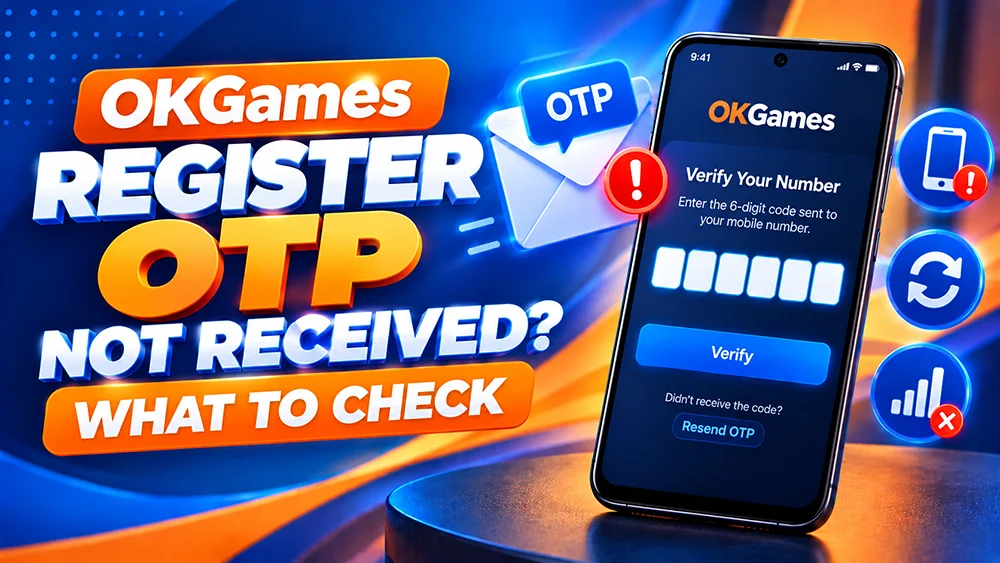
You’re on the OKGames registration screen, but the verification code hasn’t arrived. Before tapping Resend repeatedly, check the details on your screen. A missing message, an expired code and a failed form need different fixes.
First, Check Whether Registration Requires an OTP
Open our OKGames Register page and follow the verification instructions shown during sign-up. The current form may ask you to confirm a mobile number or email address.
If you do not see an OTP request, don’t assume an SMS should arrive. Read the form’s error message instead. These steps apply when registration actually asks for a code.
Check Your Philippine Mobile Number
If an SMS code is requested, check the number first.
- Check every digit. One incorrect digit can send the message to someone else.
- Follow the format shown. A Philippine mobile number may be written with
09locally or+639internationally. Enter it in the format the form accepts; do not add an extra zero after+63. - Use the correct SIM. On a dual-SIM phone, check which number you entered and whether that SIM is active.
- Check signal and SMS access. Make sure your SIM can receive regular text messages. Wi-Fi alone does not guarantee SMS delivery.
If the number cannot be edited, use registration help rather than another person’s number.
Registration SMS Not Arriving? Try These Steps
1. Wait for the on-screen timer. Delivery can be delayed. Follow any countdown shown before requesting another code.
2. Check filtered messages. Look in your SMS app’s Spam, Blocked or Unknown Senders area if available. If the registration screen specifies email verification, check your inbox and spam folder instead.
3. Check your mobile connection. Move somewhere with better reception. Reconnect if cellular service is unavailable.
4. Request a new OTP once. Use Resend only when the page allows it. Repeated requests may generate multiple codes.
5. Keep the registration page open. Avoid switching between several sign-up tabs or devices. If the form times out, follow its restart instructions.
Code Arrived but Says Expired or Invalid?
Enter the newest code associated with your latest request. Check for mistyped digits and any spaces accidentally added when copying the message. A code from an earlier request may no longer work.
If the form says the OTP has expired, use its available resend option after the timer permits it. Don’t guess codes or keep retrying an invalid one. If you’ve made too many attempts, follow the on-screen instructions.
Registration OTP vs Login OTP
A registration OTP is used, when requested, while creating an account. A login OTP is used, when requested, to verify access to an account that already exists. The instructions may differ.
If registration succeeded, don’t create another account. Try the OKGames Login page instead. For a separate sign-in issue, see our login verification guide.
When Should You Contact Support?
If your correct number can receive other texts but the requested registration code still does not arrive, use the support option linked from our website. Tell the team whether you registered through the browser or app, the approximate time, your mobile network and the exact error shown.
A screenshot can help, but hide your OTP, password and other sensitive account details. Never give a verification code to someone who contacts you through an unsolicited message.
Quick FAQ
Does every OKGames registration require an SMS OTP?
Do not assume so. Follow the verification method displayed during your current registration attempt.
Can I request another code immediately?
Only if the registration screen permits it. Wait for any resend countdown and use the newest code.
Why am I receiving an invalid-code message?
You might be entering an expired code, an older code or mistyped digits. Check your latest message and the on-screen instructions.
Can I use email instead of SMS?
Only if the current registration form offers email verification or another supported option. Don’t assume you can switch methods.
The next step: Check the contact details, confirm which verification method was requested, and resend only when allowed. Avoid starting another registration without identifying the problem.