
Tapped Download APK but nothing happened? Or did your Android browser open a blank page instead of saving a file? Before trying random APK links from social media, find out whether the problem is the button, your browser, the connection, or the file download itself.
This guide covers the download stage, not APK installation.
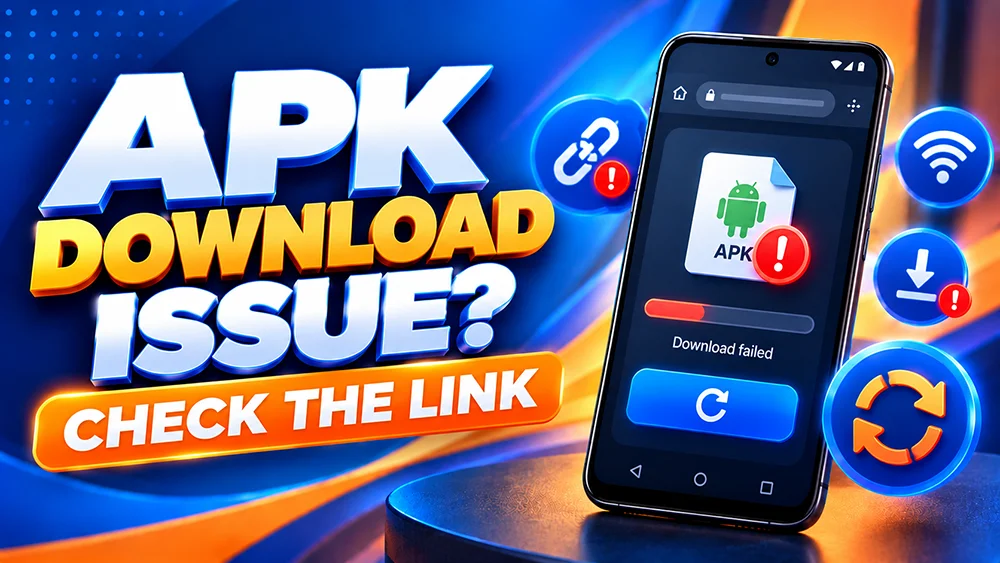
First, Check What Happens When You Tap Download
The error gives you a useful clue:
- Nothing happens: The button may not have opened its destination, or a browser feature may have interrupted the action.
- A blank page or error appears: The linked destination may be unavailable, blocked on your network, or temporarily failing.
- The download starts but stops: Check your connection, available storage, and browser downloads list.
- The APK finishes downloading but will not install: The download stage worked; move to installation troubleshooting instead.
The link itself may be temporarily unavailable.
Five Checks for an OKGames APK Link That Will Not Open
1. Start From the OKGames App Page
Open our OKGames App page directly in your mobile browser. Avoid copied buttons, shortened links, and APK mirrors shared in comments or messages. Check where the button leads.
2. Open the Page in a Current Browser
If you opened the link inside Messenger or Facebook, use an updated browser such as Chrome instead. In-app browsers may handle downloads differently.
3. Check the Browser’s Downloads List
On Chrome for Android, open the menu and look for Downloads. Check whether the file is complete, paused, or failed before retrying.
4. Test the Connection and Storage
Test another website, switch between Wi-Fi and mobile data if needed, and check free storage. Avoid repeated incomplete downloads.
5. Read Any Error or Security Warning
Note whether the error says Page not found, Access denied, or displays a security warning. If Chrome or Android flags the file as suspicious or harmful, do not switch off Safe Browsing or Play Protect to force the download.
What If the APK Download Stops Halfway?
Look for a paused item in Downloads. Resume it if your browser permits; otherwise remove the incomplete file and try the verified page later.
If the APK file has finished downloading but Android says App not installed or Invalid package, see our installation troubleshooting guide for installation-specific guidance. Do not install a file that you cannot verify.
What If the Button Opens Login Instead of an APK?
A login page is not an APK file. Check the address, avoid entering details on unfamiliar redirects, and report an unexpected destination through our website.
When Should You Report a Broken Download Link?
If the button still fails in a supported browser on a working connection, report it. Include your phone model, browser, approximate time, exact error, and a screenshot with personal details hidden.
You can use our mobile website while troubleshooting. If an installed app crashes after an update, follow our Android app launch troubleshooting guide instead.
Quick FAQ
Why does the OKGames Download APK button do nothing?
It may be a browser-handling problem, a connection issue, or an unavailable link. Try the app page in a current browser and check Downloads before retrying.
Should I download the APK from another website?
No. If you cannot verify a replacement source, do not use it. Ask through our site’s support channel instead.
Does a failed APK download mean my account is lost?
No. A download failure does not by itself mean an account has been deleted. Use the mobile website to check account access if needed.
Bottom line: Identify where the download fails, keep Android’s security checks on, and report unexpected redirects or broken links. You do not need to risk an unverified APK to troubleshoot a download button.