
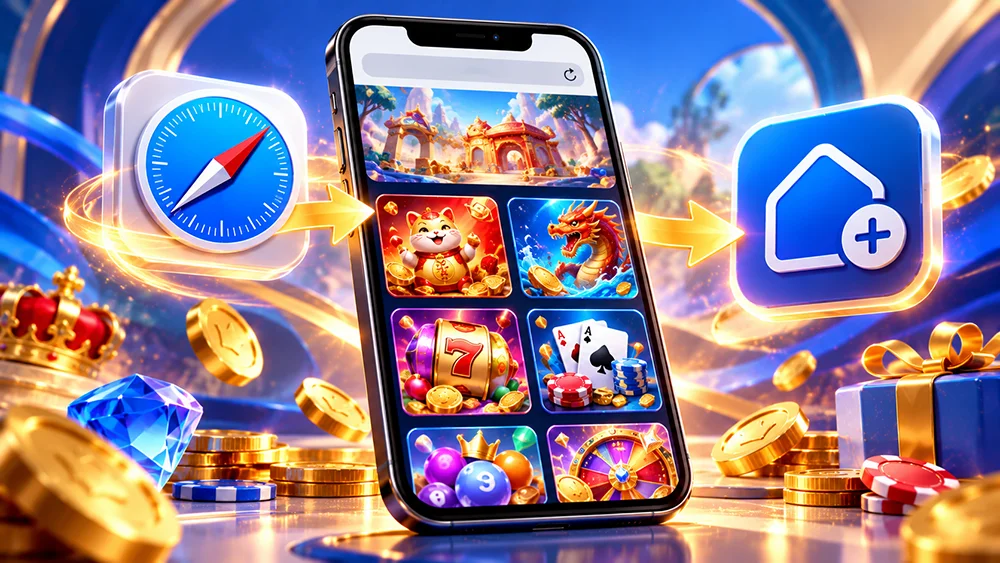
Looking for OKGames on your iPhone but keep finding Android APK download links? You’re looking for the wrong file.
Here’s the good news: you don’t need an Android APK to access OKGames on your iPhone.
Whether you’re using an iPhone or iPad, you can open our mobile website through Safari, explore available games and even add a shortcut to your Home Screen.
No complicated installation. No Android files. Just a simpler way to access OKGames on your Apple device.
Can You Use OKGames on an iPhone?
Yes. Our website supports mobile browser access, including Safari on compatible iPhones.
You can explore game categories, read our guides and review available promotions without installing an Android application.
Here’s the important difference:
| Android | iPhone |
|---|---|
| Can install compatible APK files | Cannot install Android APK files |
| Chrome and other supported browsers | Safari and other supported browsers |
| APK or browser access | Browser access |
| Home Screen shortcuts | Home Screen shortcuts |
Our OKGames App Guide currently provides Android APK instructions and identifies mobile browser access as the alternative for iPhone users.
A native iOS application should only be downloaded when its availability and source have been verified.
How to Open OKGames Using Safari
Getting started takes only a moment.
Open Safari on your iPhone and visit OKGames.
Once the website loads, you can browse the available sections, including Games, Promotions, App information and Blog.
Want to explore different game categories?
Visit our OKGames Games Hub.
You’ll find information about Slots, Fishing, Bingo and other gaming categories.
Individual games may redirect to a separate gaming service, so availability and compatibility depend on the selected game.
Add OKGames to Your iPhone Home Screen
Want to open OKGames with one tap instead of typing the website address every time?
Safari lets you add websites directly to your Home Screen.
Follow these steps:
- Open Safari and visit
https://okgames.zone/. - Tap the Share button. Depending on your Safari layout, you may first need to open the Page Menu.
- Scroll down and select Add to Home Screen.
- If your iPhone offers Open as Web App, you can enable it.
- Tap Add to create the shortcut.
You can now open the website using its Home Screen icon.
This shortcut does not install a native OKGames iPhone application. It provides convenient access to the mobile website.
These steps follow Apple’s Safari Home Screen instructions. Menu locations can vary depending on your iOS version.
Which OKGames Mobile Games Can You Explore?
Prefer colourful Slots or interactive games?
Our website features several popular titles and categories worth browsing.
Fortune Tiger offers a compact slot layout with colourful animations, while Super Ace focuses on card-inspired symbols and reel-based features.
For a different experience, Mines uses hidden tiles and risk-based decisions.
Joy Bingo brings number-matching entertainment to a digital game format.
And if you enjoy Filipino card games, Tongits Go offers a familiar alternative to traditional Slots.
You can explore these titles through our Games Hub and featured game sections.
However, appearing on the website does not guarantee that every linked game will run on every iPhone model.
What If OKGames Won’t Open on Your iPhone?
Sometimes a game or website may load slowly, freeze or display a blank screen.
Start by checking your Wi-Fi or mobile-data connection.
Make sure Safari and iOS are updated, then try reopening the affected page.
If the problem happens with only one game, it may be related to that game’s provider rather than the whole website.
For more solutions, read our OKGames Games Not Loading Guide.
If you have an unresolved real-money transaction, avoid repeating it while troubleshooting.
Is Safari Better Than Downloading an App?
For iPhone users who simply want convenient website access, Safari is a practical option.
You don’t need to search for APK files or install software from an unfamiliar source.
A Home Screen shortcut also makes returning to OKGames easier.
Just remember that a website shortcut and a native iPhone app are different products, with potentially different features and performance.
Explore OKGames on Your iPhone
Your iPhone is already enough to start exploring our mobile website.
Open Safari, visit OKGames and add a Home Screen shortcut if you want quicker access next time.
You can browse game information, explore promotions and discover mobile entertainment without installing an Android APK.
Visit our OKGames Games Hub and find something that matches your interests.
Real-money gaming is for eligible adults only. Always check game availability and keep your spending within your limits.